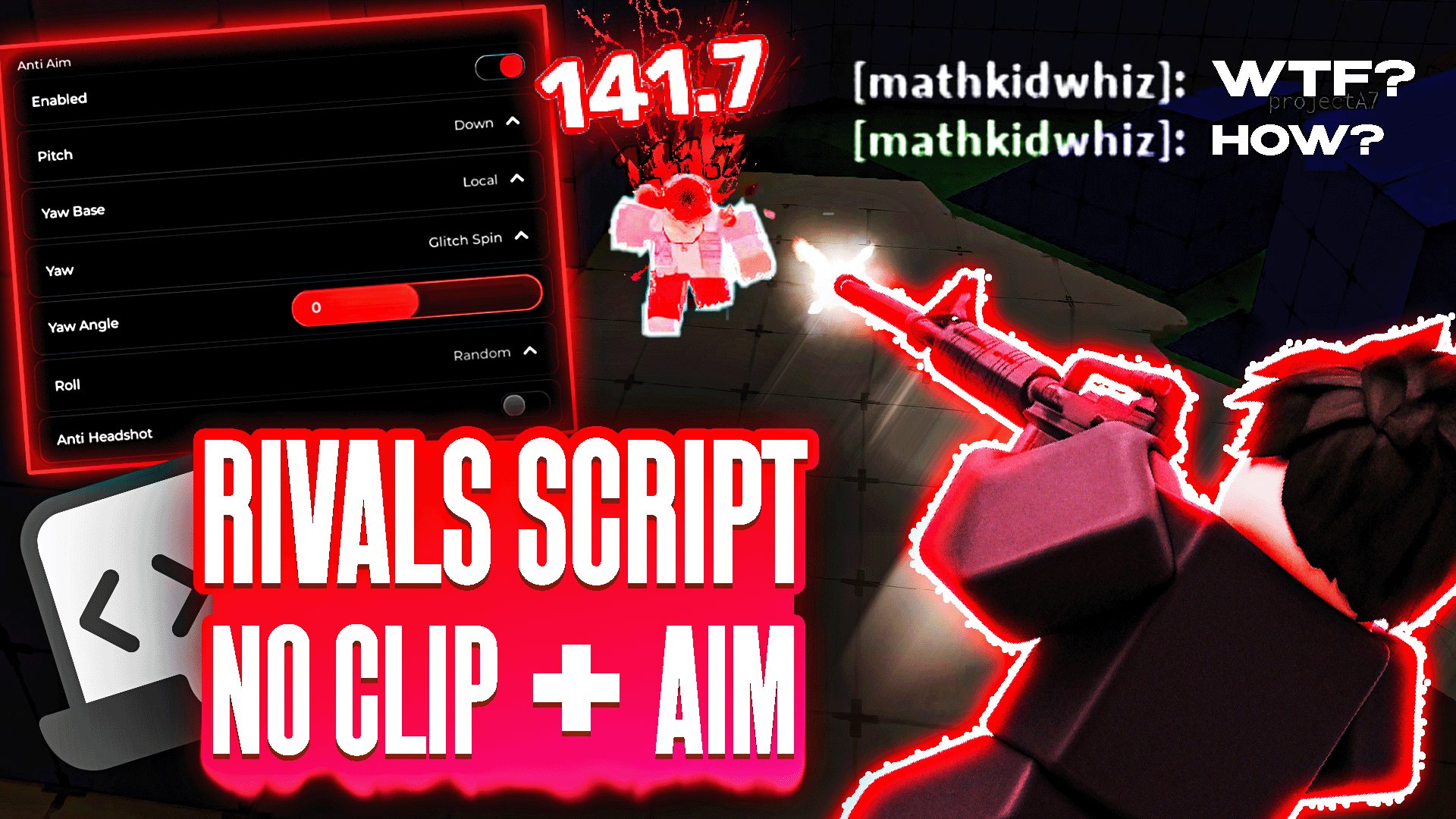
Rivals Script GUI: NoClip & Aimbot
 1,206
1,206 05/04/2025
 Get
Get Roblox Script Installation Guide
1. Click on the Get button and complete a few tasks to get the script.
2. Install a Roblox executor on your device.
3. Open Roblox and join the game.
4. Paste the script into the executor.
5. Click "Inject/Attach" to connect.
6. Press "Execute" to run the script.
Detailed instructions on running scripts are available in our Discord and Telegram channels.
Description
Comprehensive gameplay enhancement suite for Rivals featuring multiple tactical advantages through a unified GUI interface. This script package provides various combat and movement improvements for competitive play.
- NoClip movement system
- Aimbot targeting assistance
- Silent Aim functionality
- ESP player tracking
- Speed hack acceleration
- Flight capability activation
The integrated system offers multiple gameplay modifications through a single control interface, enhancing both combat effectiveness and movement flexibility.